
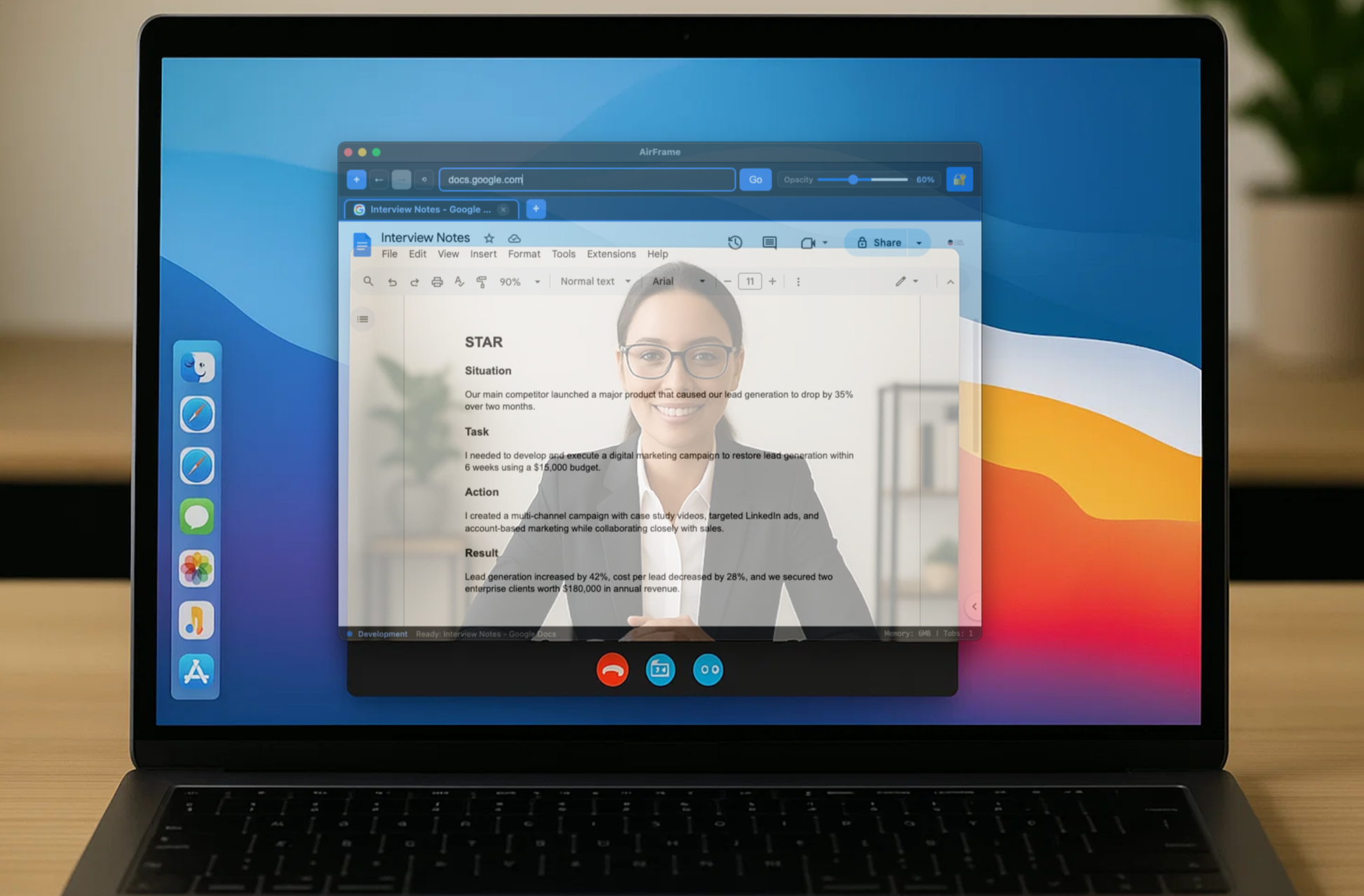
Prepared + Present
Stay fully engaged in video calls. Our patent-pending transparent browser overlays seamlessly on top of your conference window, allowing you to reference notes, research, and content while maintaining eye contact and engagement.
Your Invisible Advantage
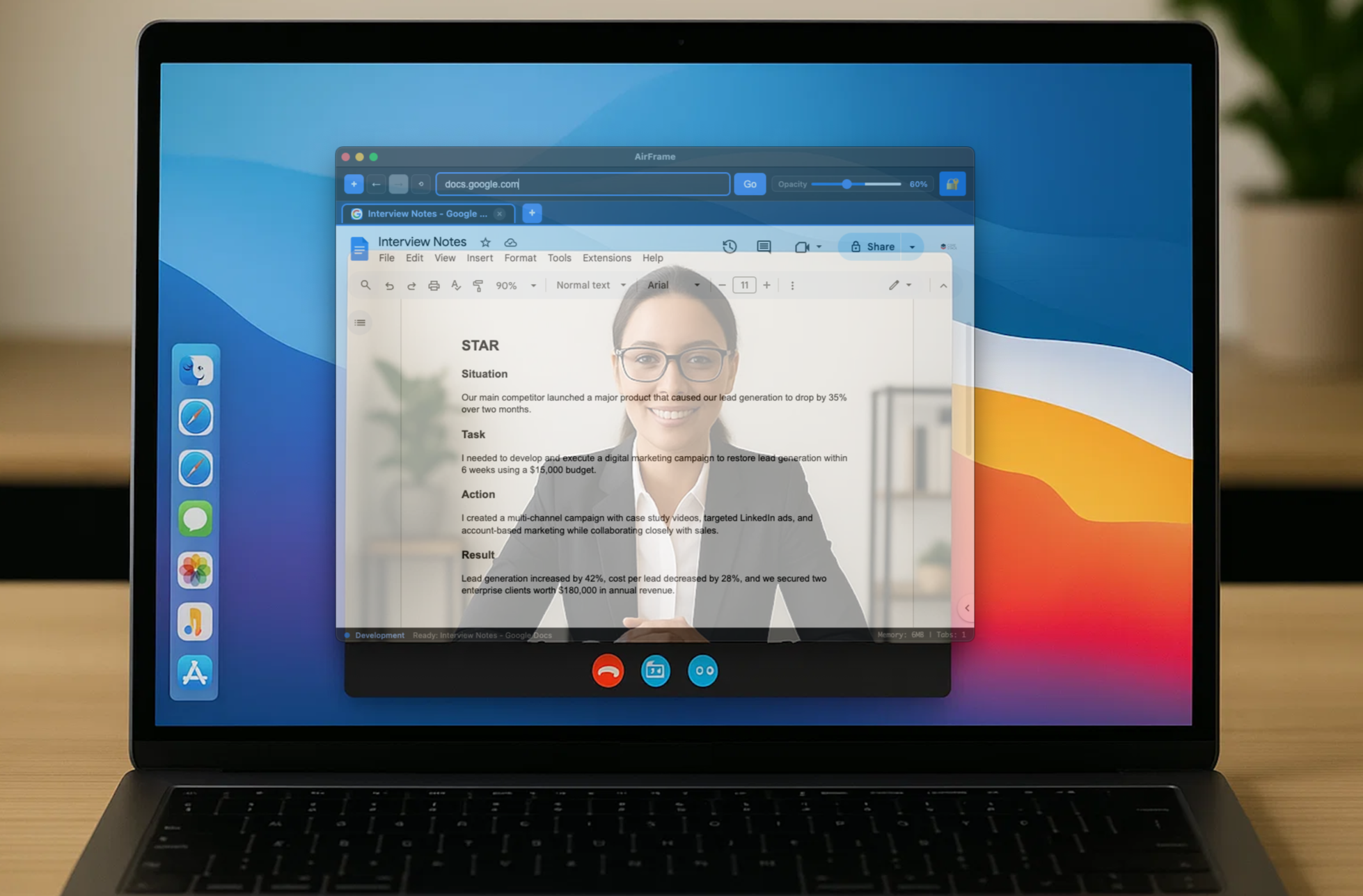
Interviews
Have your interview notes ready with company research, candidate background, and key questions seamlessly accessible. Stay naturally engaged while keeping all your preparation within reach.
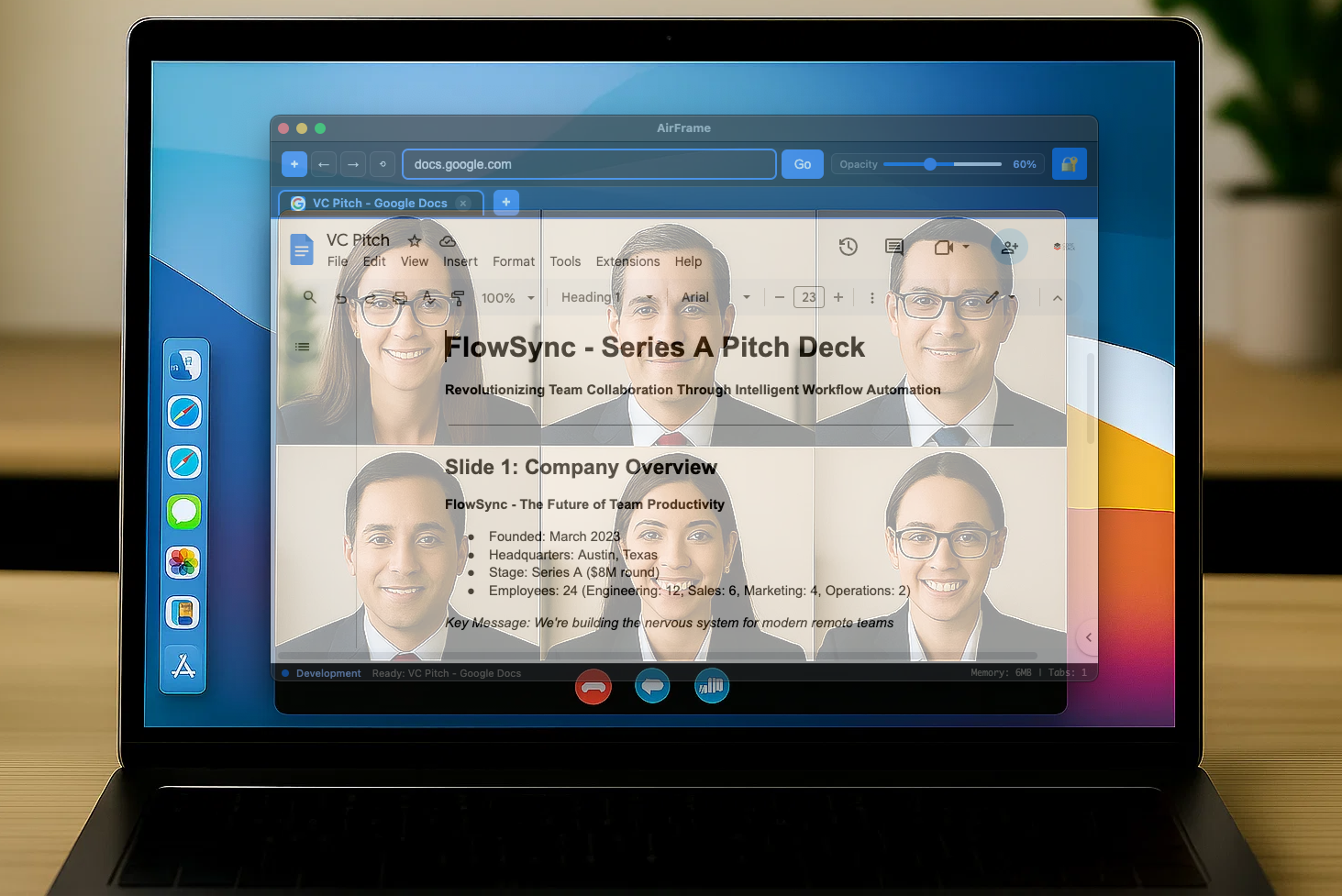
Investment Pitches
Keep your pitch deck ready with financial projections, market analysis, and investor profiles transparently available. Present with confidence while your critical data stays perfectly positioned.
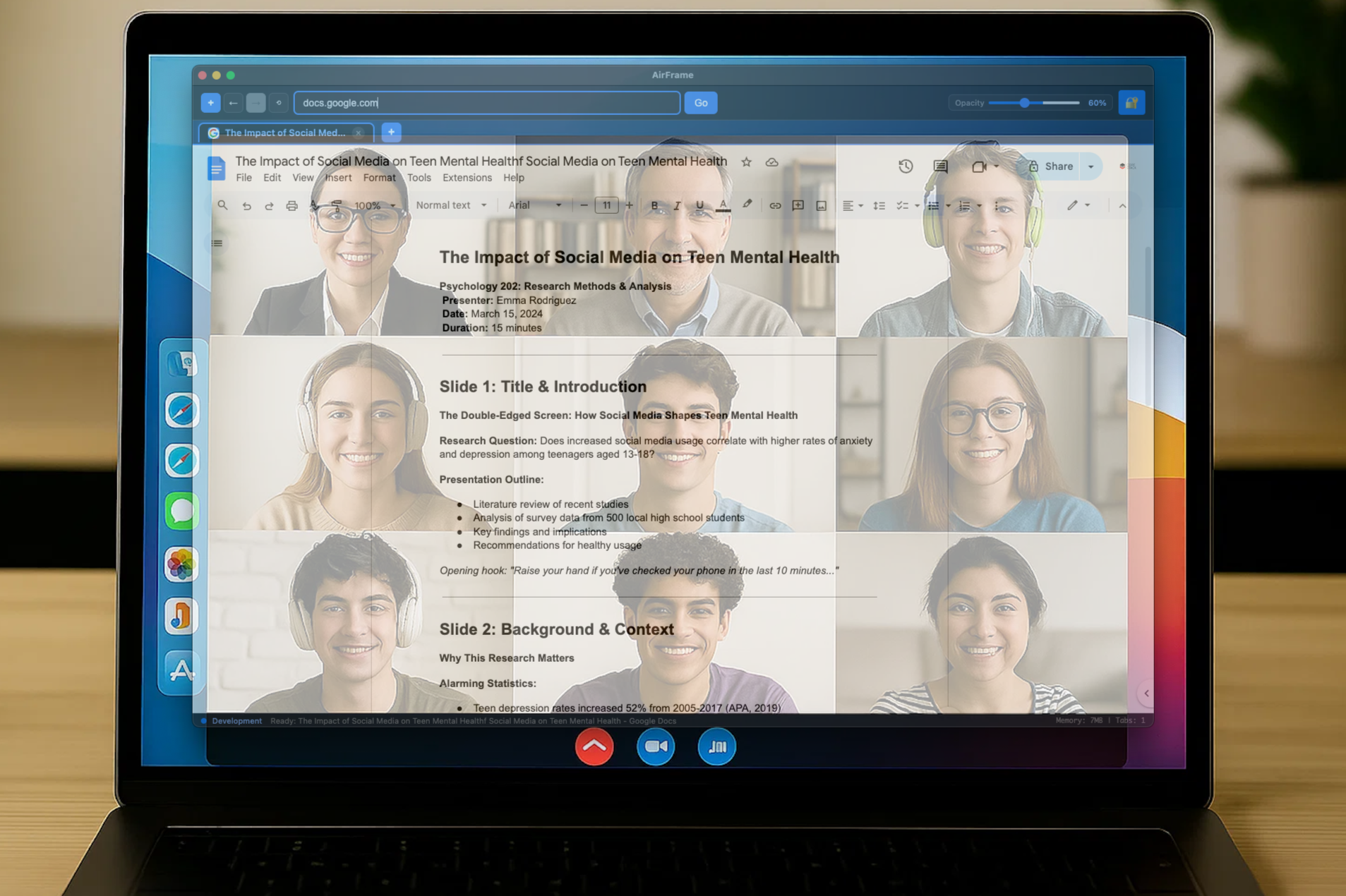
Presentations
Have your speaker notes ready with timing cues, key statistics, and backup slides overlaid discreetly. Deliver compelling talks while staying perfectly prepared for any moment.
Flexible Pricing Plans
You can't put a price on acing the interview, nailing the presentation, or having that competitive edge when it matters most. For less than your daily coffee, get the tool that could change everything.
$3.99
Monthly
Less than a breakfast sandwich.
$9.99
Quarterly
Save 16.5%
$29.99
Annually
Save 37%
Try Free for 7 Days
Instant access: Download links are delivered immediately after purchase
Secure checkout: Payment processing handled by our trusted partner Paddle
Cancel your subscription anytime – it's that simple
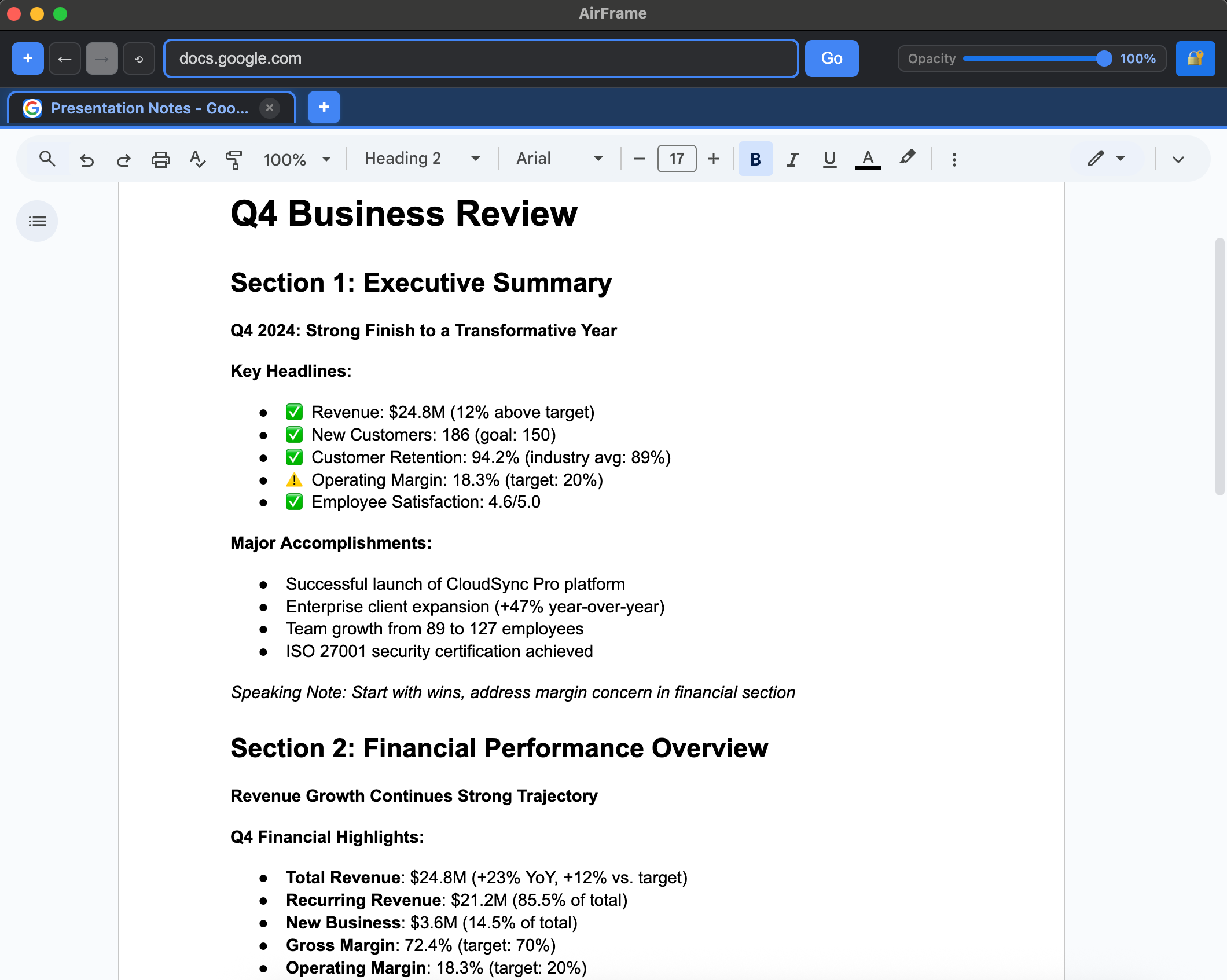
Go From Preparation to Perfection in Minutes
Load notes, slides, or any reference materials
Open Your Content
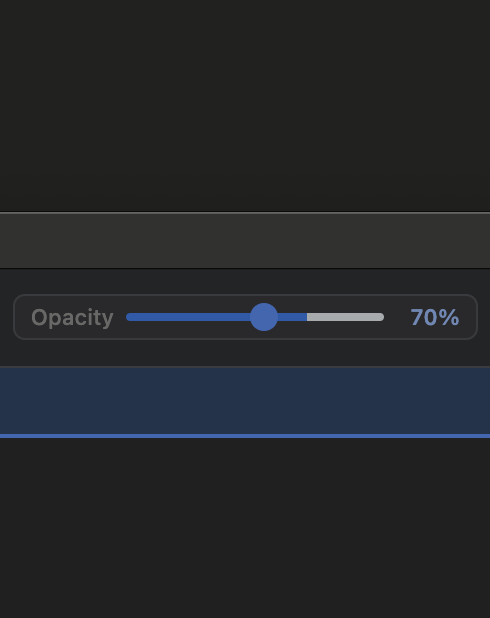
Set Your Transparency
Adjust visibility so you can see through to your audience
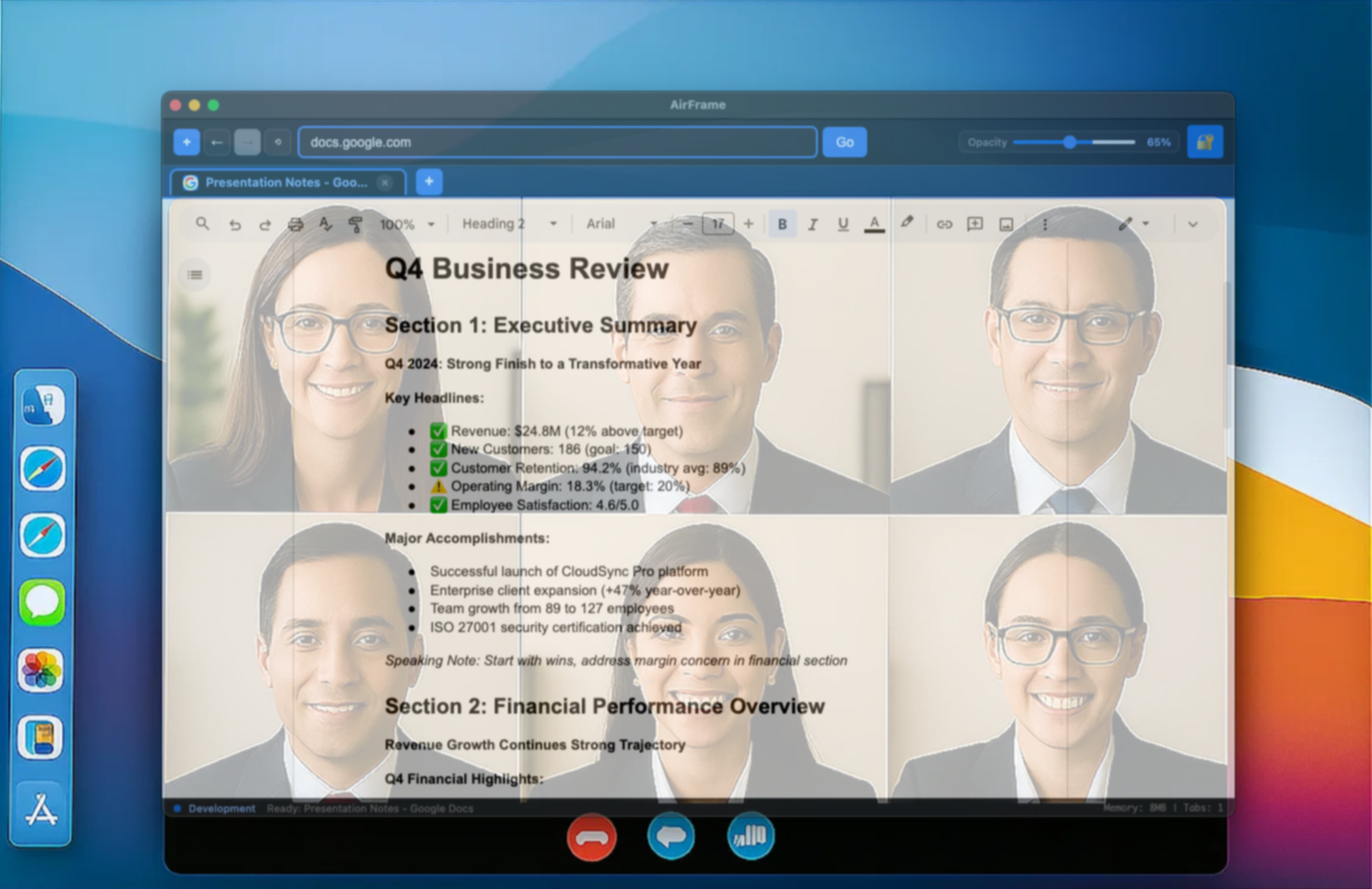
Present With Confidence
Position AirFrame over your video call - never miss a beat
Works Seamlessly With





Everything You Need to Know
About AirFrame
-
No, AirFrame is designed for a specific purpose: keeping you engaged during video calls. While your default browser handles your everyday browsing, AirFrame overlays transparently on top of your video call window so you can reference notes, agendas, or documents while maintaining natural eye contact with participants.
-
Absolutely! During long meetings, you might need to reference multiple documents—your meeting agenda, project notes, shared documents, or dashboards. AirFrame's tab system lets you quickly switch between these resources without ever looking away from your video call.
-
Yes! This is exactly what AirFrame was built for. Access your OneNote, Google Docs, Notion pages, or any web-based tool while staying visually present in your video calls. Your meeting participants will see you maintaining eye contact and engagement, not someone constantly looking down at notes.
-
Installation takes less than a minute. Download AirFrame for your operating system, run the installer, and you're ready for your next video call.
-
AirFrame works with any video calling software—Zoom, Teams, Google Meet, WebEx, Slack, and more. Simply start your video call, then launch AirFrame and position it over your call window. The transparent overlay lets you see both your meeting and your reference materials simultaneously.
-
Enter your payment details to activate your free trial
Get 7 days of full access to all features
Cancel anytime during the trial period - no charges
If you don't cancel, your subscription starts automatically after 7 days
-
AirFrame is designed to be affordable for everyone at just $3.99/month. This includes unlimited tabs, full transparency controls, meeting templates, and priority support. You can cancel anytime—no long-term contracts or commitments required.
-
AirFrame is perfect for:
Client presentations: Reference talking points while maintaining eye contact
Interview preparation: Keep candidate information visible during video interviews
Project meetings: Access shared documents, timelines, or dashboards
Training sessions: Follow along with materials while staying engaged with participants
Sales calls: Reference customer data, pricing, or proposals naturally
-
Start with 65-70% opacity—transparent enough to see your video call clearly, but opaque enough to read your notes comfortably. AirFrame remembers your preference, and you can adjust in real-time using the slider without disrupting your call.
-
That's the point—they won't! You'll appear naturally engaged and making consistent eye contact. No more awkward moments of obviously reading from notes or typing while someone is speaking. Your professionalism and attentiveness will actually improve.
-
AirFrame is optimized to use minimal system resources and doesn't affect your video call performance. The transparency feature is hardware-accelerated, and AirFrame typically uses less RAM than a single browser tab.